
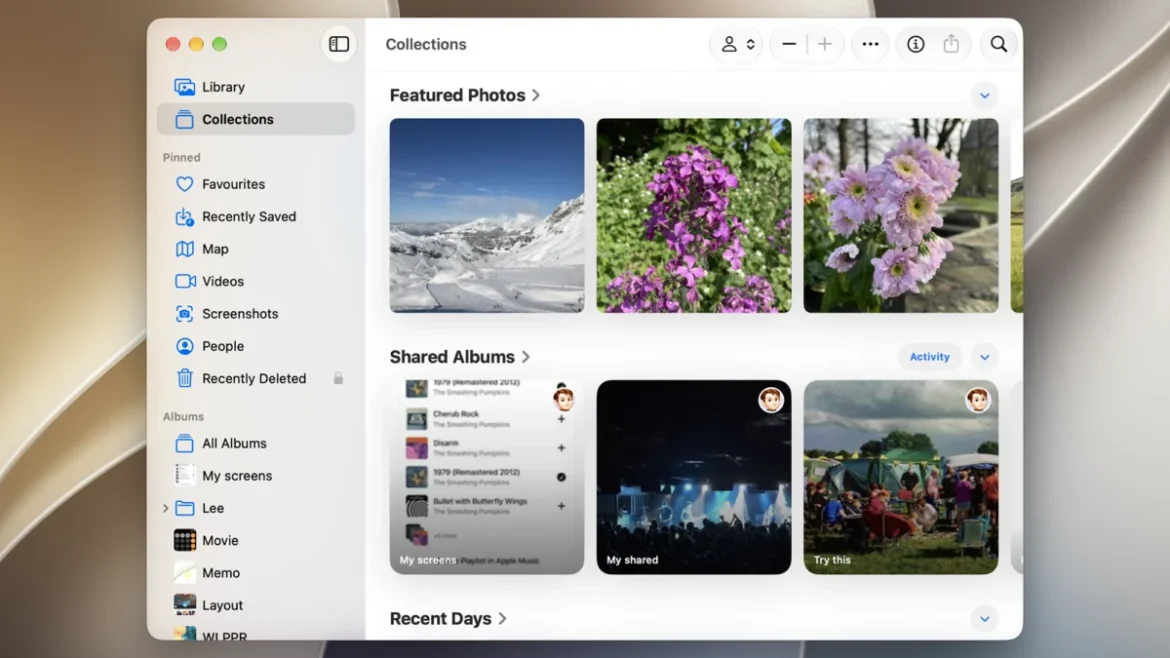
Managing a growing repository of digital memories has become a significant challenge for modern consumers, as high-resolution photography and 4K video recording consume storage space at an unprecedented rate. For users entrenched in the Apple ecosystem—utilizing iPhones, iPads, and Mac computers—the native Apple Photos application, backed by iCloud, remains the primary utility for centralized media management. As of late 2026, the integration between hardware and cloud storage has become increasingly seamless, though users operating across cross-platform environments, such as Windows or Android, still encounter distinct technical hurdles when attempting to synchronize their media assets.
The evolution of Apple’s cloud strategy reflects a broader industry trend toward "ecosystem lock-in," where the convenience of automatic synchronization is balanced against the necessity of cross-platform accessibility. Since the introduction of iCloud Photos, Apple has shifted from being a hardware-centric company to a major player in personal cloud infrastructure. Today, an estimated 80 percent of iPhone users utilize some form of iCloud synchronization to manage their photo libraries, a testament to the effectiveness of the "set it and forget it" model of automated backups.

Chronology of iCloud Photo Integration
The journey toward a unified photo library began in earnest with the release of iCloud in 2011, which replaced the aging MobileMe service. Initially, the service was limited, primarily handling simple file transfers. It was not until the 2014 introduction of the iCloud Photo Library—later rebranded as simply iCloud Photos—that the service achieved its current form.
By 2016, Apple had refined the system to allow for full-resolution storage in the cloud with space-saving optimized versions kept on local devices. Over the subsequent decade, the service underwent several iterations, culminating in the 2026 standards that allow for real-time metadata synchronization, AI-driven facial recognition, and geolocation tagging across all logged-in devices. The current iteration supports a massive array of file formats, including HEIF, HEVC, and RAW, which are now standard in professional mobile photography.
Supporting Data and Storage Economics
For the average consumer, the primary barrier to robust digital archival is cost. Apple’s tiered pricing model, which currently starts at $0.99 per month for 50GB of storage, provides a low barrier to entry. However, as camera sensors improve and video resolutions climb, the 5GB free tier provided to all Apple ID holders is increasingly insufficient.
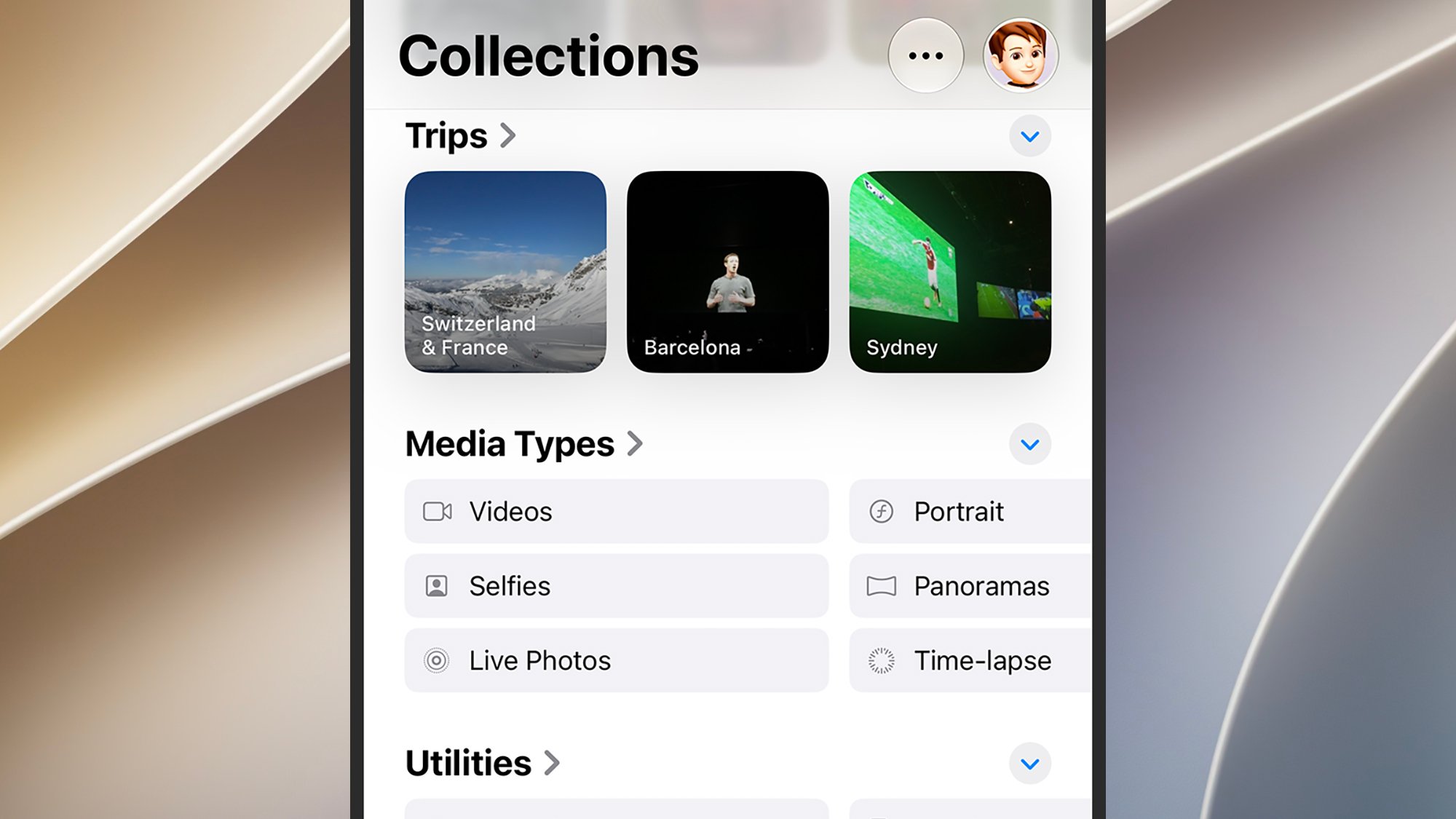
Market analysts suggest that the "storage gap" is a primary driver for subscription revenue within the technology sector. Data from the third quarter of 2026 indicates that users who upgrade to the 2TB iCloud+ tier are significantly more likely to remain within the Apple ecosystem for their next hardware purchase. This phenomenon is often referred to as "data gravity," where the difficulty of migrating a massive photo library to a competing service, such as Google Photos or a local NAS (Network Attached Storage), effectively prevents users from switching platforms.
Implementation: The iOS and macOS Experience
On Apple-native hardware, the synchronization process is designed to be invisible to the user. On iOS devices, the system operates through the Photos app settings. When "iCloud Photos" is enabled, the system initiates a background process that indexes the library. To optimize device performance, Apple employs an "Optimize iPhone Storage" setting, which replaces full-resolution images with smaller thumbnails on the handset while keeping the original files safely in the cloud.
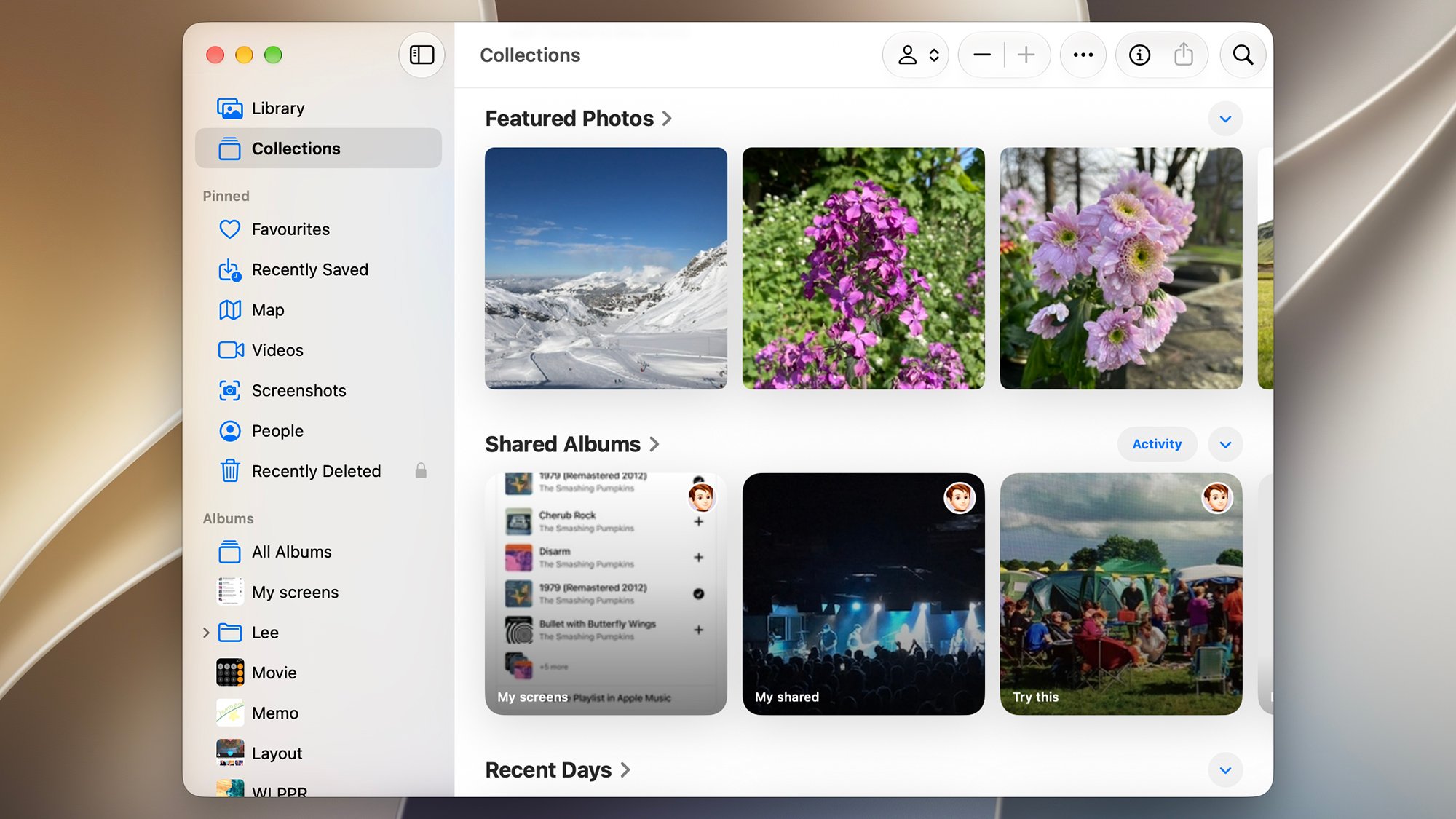
macOS users benefit from an even more robust interface. Unlike the mobile version, the Mac Photos app allows for the manual import of external media via the "File > Import" command. This feature is essential for users who maintain libraries from legacy digital cameras or external hard drives. By ensuring the "Copy items to the Photos library" option is enabled in the app’s settings, users force the Mac to upload these external files to iCloud, effectively bridging the gap between local physical storage and the cloud.
Navigating Cross-Platform Limitations
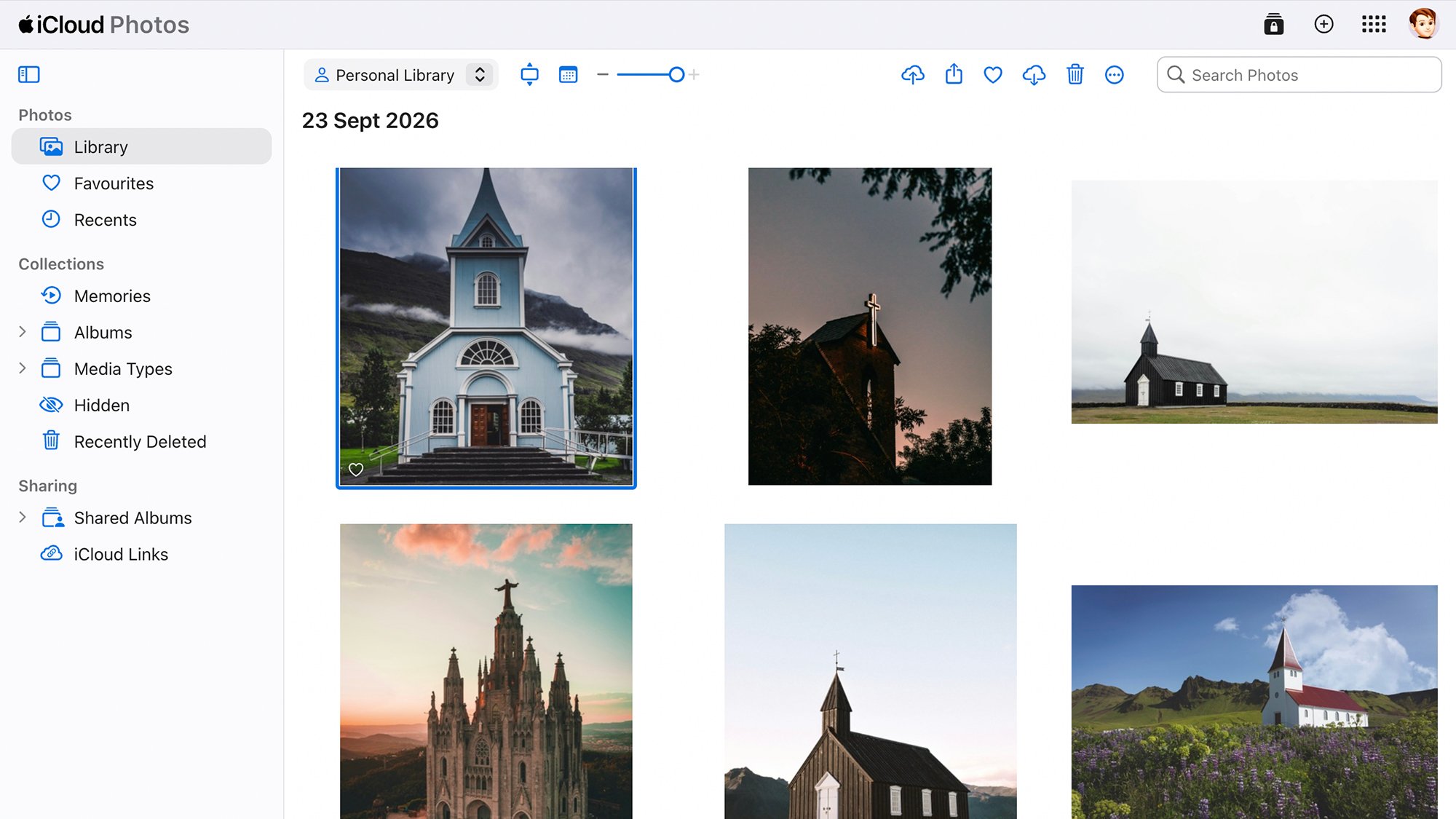
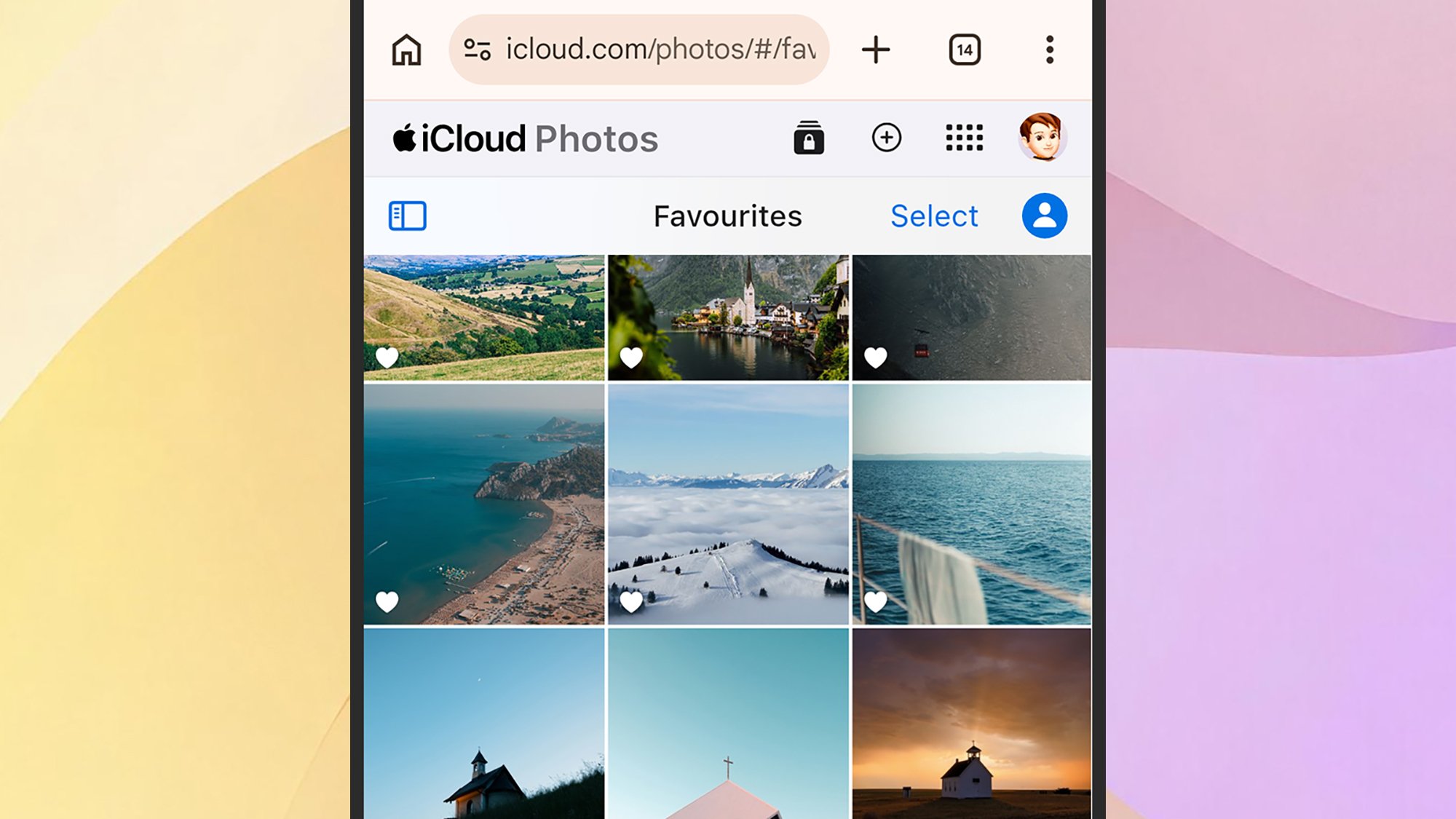
The primary friction point remains the lack of an official, dedicated Apple Photos client for the Android operating system. While Google Photos has developed a highly capable iOS app, Apple has not reciprocated with an Android equivalent. Consequently, Android users are relegated to accessing their iCloud media via the web-based portal at iCloud.com.
While the web interface allows for viewing and manual uploading, it lacks the sophisticated, high-performance features found in the native applications. For instance, the web portal does not support the seamless, background-syncing capabilities that native apps enjoy. Users seeking to move photos from Android to Apple must rely on manual intervention or third-party synchronization tools, such as syncing services that push photos to a desktop folder, which is then monitored by the iCloud for Windows client.
Microsoft Windows users, conversely, have a more stable, albeit limited, integration through the "iCloud for Windows" application. This utility allows for the synchronization of the photo library directly into the Windows Photos app. This integration is a result of strategic partnerships between Microsoft and Apple to maintain user retention in enterprise and mixed-environment settings.
Analysis of Implications
The reliance on a centralized cloud repository raises significant questions regarding privacy and data sovereignty. When a user commits their entire digital life to a single cloud provider, they are essentially entering a long-term data custody agreement. While Apple emphasizes end-to-end encryption for many aspects of its cloud services, the "Advanced Data Protection" settings must be manually enabled by the user to ensure the highest level of security for the photo library.
Furthermore, the shift toward cloud-only storage creates a reliance on persistent internet connectivity. While modern 5G and high-speed fiber broadband mitigate this for many, it remains a point of failure for users in regions with unstable infrastructure. The inability to access one’s memories without a data connection is a common critique of the "cloud-first" model.
Official Responses and Best Practices
Industry experts consistently advocate for the "3-2-1 backup rule" to mitigate the risks associated with sole-source cloud storage. This rule dictates that users should maintain three copies of their data, stored on two different types of media, with one copy kept off-site. Relying solely on iCloud, while convenient, does not technically constitute a complete disaster recovery plan.
In response to concerns regarding data loss, Apple has provided tools such as the "Data and Privacy" portal, which allows users to request a complete export of their iCloud data. This export, often delivered as a series of ZIP files, serves as a "break-glass" emergency measure, ensuring that even if a user decides to leave the ecosystem, they retain ownership of their digital assets.
Ultimately, while the Apple Photos infrastructure offers unparalleled ease of use for the average consumer, it requires a conscious understanding of its limitations. Whether utilizing the high-speed synchronization of an iPhone, the organizational power of a Mac, or the manual workarounds required for Windows and Android, the key to successful management lies in consistent, active oversight of one’s storage settings and backup strategy. As of September 2026, the technology is more refined than ever, but the responsibility of curation and redundant backup remains firmly in the hands of the user.