
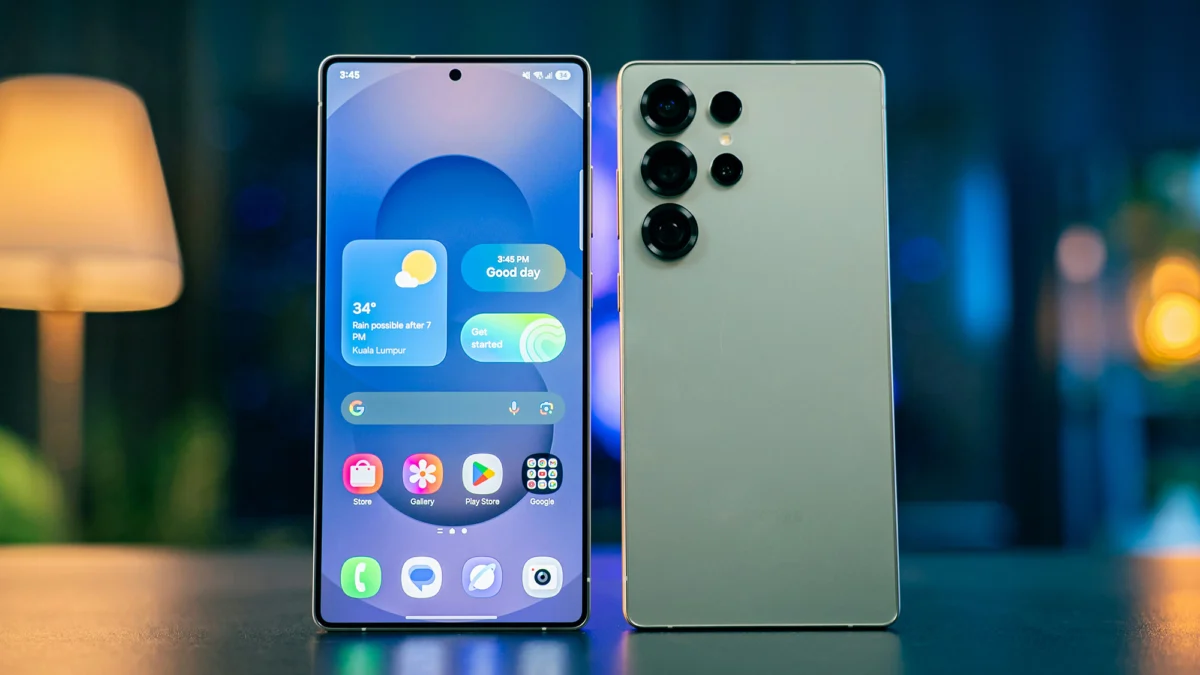
No matter how cutting-edge a smartphone feels upon purchase, its performance inevitably degrades over time. This gradual decline often prompts users to consider an upgrade, a decision that becomes more pressing as devices cease receiving crucial software updates, thereby increasing their vulnerability to security threats. However, the lifespan of a smartphone can often be extended significantly beyond initial expectations with a few strategic interventions. By implementing these practical steps, consumers can potentially defer the substantial cost of a new device and maximize the utility of their current one, contributing to both personal savings and a reduction in electronic waste.
The digital age has ushered in an era where smartphones are indispensable tools, serving as communication hubs, portable entertainment centers, and vital links to information and services. As such, a sluggish or storage-crippled device can lead to considerable frustration and diminished productivity. Fortunately, regaining optimal smartphone performance and ample storage is an achievable goal for most users. This guide outlines effective methods for both Android and iOS devices, focusing on app management, storage optimization, and system resets, all aimed at breathing new life into your existing technology.
Decluttering Your Digital Life: Strategic App Management
One of the most significant contributors to a smartphone’s sluggishness is an overabundance of applications, particularly those that run in the background, consuming processing power and memory. A thorough audit of installed applications is the first, and often most impactful, step in reclaiming performance. Many users accumulate apps that are rarely, if ever, used, turning their devices into digital storage units for forgotten programs.
Identifying and Removing Unused Applications
The process of identifying and uninstalling these digital relics is straightforward on both major mobile operating systems. For Android users, a long press on an app shortcut typically reveals an "Uninstall" option, usually located at the top of the screen. Confirming this action removes the application and frees up its associated storage space. Similarly, iOS users can access their App Library, tap and hold an app icon, and select "Delete App" followed by a confirmation prompt. It’s worth noting that most applications have web-based alternatives, and many can be easily reinstalled if needed in the future, offering a safety net for users hesitant to permanently remove an app.
Limiting Background App Activity
Beyond outright removal, controlling how applications operate when not actively in use is critical. Many apps are designed to perform updates, sync data, or send notifications in the background, a process that can significantly drain battery life and consume system resources.
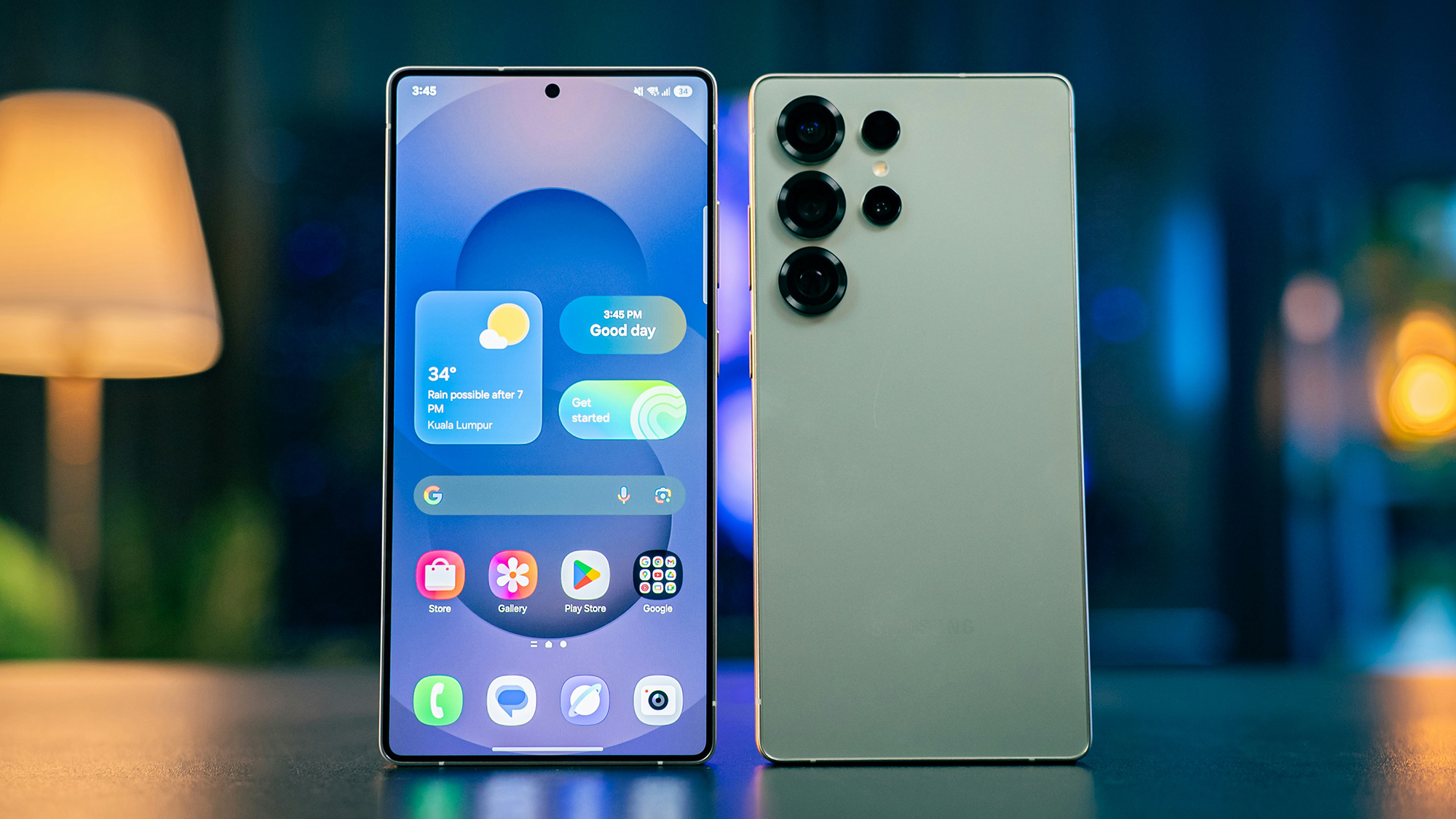
On Android devices, users can navigate to "Settings," then "Apps," followed by "See all apps." Selecting an individual application reveals an "App battery usage" option, where a toggle for "Allow background usage" can be disabled. This granular control ensures that only essential applications consume resources when the device is not in active use.
iOS provides a similar, albeit more centralized, control mechanism. Within "Settings," users can access "General," then "Background App Refresh." This feature presents a comprehensive list of all installed applications, allowing users to selectively disable background activity for any app they deem unnecessary. By curtailing background processes, users can directly improve foreground performance and reduce the strain on their device’s hardware.
Maximizing Storage: Unlocking Valuable Space
The adage "more space equals better performance" holds particularly true for smartphones. As internal storage fills up, operating systems have less room to maneuver, leading to slower file access, app loading times, and overall system responsiveness. Freeing up storage is therefore paramount to revitalizing a phone.
Leveraging Built-in Storage Management Tools
Both Android and iOS platforms offer sophisticated tools to help users identify and reclaim storage space.
Android devices, particularly those running Google’s operating system, often come with a pre-installed "Files" app. This application serves as a powerful storage management utility. By accessing the menu and selecting "Clean," users are presented with intelligent suggestions for files that can be safely deleted. These often include duplicate files, old screenshots, large video files, and other items that have accumulated over time without being actively reviewed. The app typically categorizes these suggestions, making it easy for users to make informed decisions about what to purge.
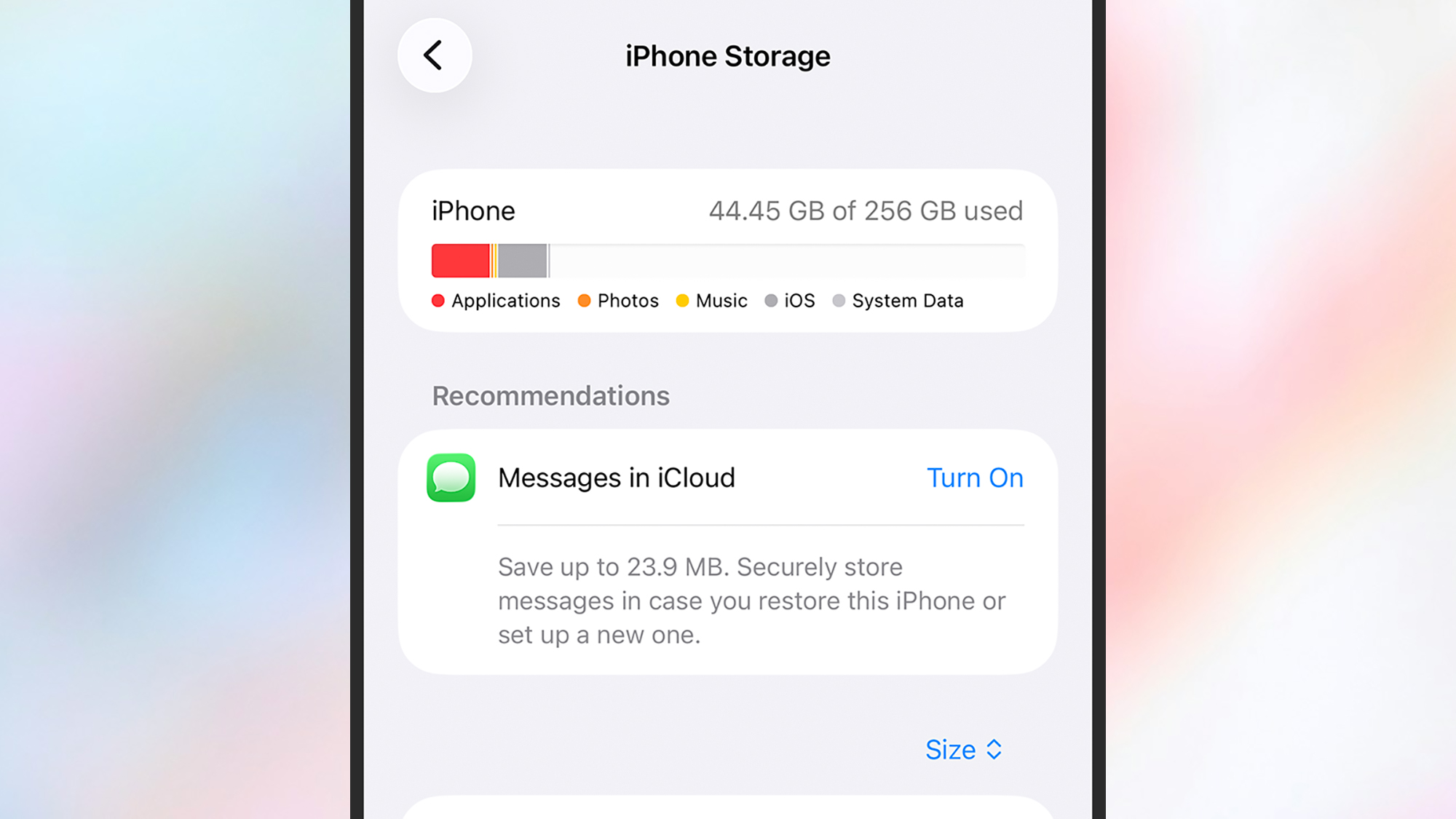
For iPhone users, the path to storage optimization lies within "Settings," under "General," and then "iPhone Storage." This section provides a detailed breakdown of how storage is being utilized, categorizing data by app and file type. Crucially, it offers proactive recommendations for freeing up space, such as offloading infrequently used apps or identifying large files that can be moved to cloud storage. This visual representation empowers users to understand their storage habits and make targeted deletions.
Platform-Specific Storage Solutions
Beyond the general tools, certain device manufacturers offer additional optimizations. Samsung Galaxy phones, for instance, feature a "Device care" option within "Settings," which includes a "Memory" section and a "RAM Plus" feature. RAM Plus, while intended to boost performance by utilizing a portion of storage as virtual RAM, can be disabled if storage space is a critical concern, thereby reclaiming that dedicated storage.
The implications of effective storage management extend beyond mere convenience. Studies have shown that devices with at least 15-20% free storage tend to perform more consistently and exhibit fewer lag issues. This is because the operating system requires temporary space for caching, processing data, and running applications smoothly. When this space is consistently depleted, the system must work harder, leading to noticeable performance degradation.
The Ultimate Reset: Restoring Factory Settings
When software optimizations and manual cleanups fall short, a factory reset remains the most potent method for restoring a smartphone to its pristine, out-of-the-box state. This drastic measure effectively wipes all user data and installed applications, eradicating accumulated digital clutter and resolving deep-seated software glitches that might be hindering performance.
Understanding the Reset Process
A factory reset is akin to a fresh start for your device. It removes all extraneous applications, clears temporary files, and returns the operating system to its original configuration. While this process sounds extreme, modern smartphones have streamlined the procedure, making it more accessible than in previous years.
Crucial Pre-Reset Preparations: The Backup Imperative
Before embarking on a factory reset, it is absolutely imperative to back up all essential data. This includes photographs, videos, contacts, messages, and any other personal files stored on the device. Cloud storage services like Google Drive (for Android) and iCloud (for iOS) are invaluable for this purpose. Users should verify that all critical data has been successfully uploaded and is accessible before proceeding. A comprehensive backup ensures that the reset process does not result in permanent data loss.
Executing the Factory Reset
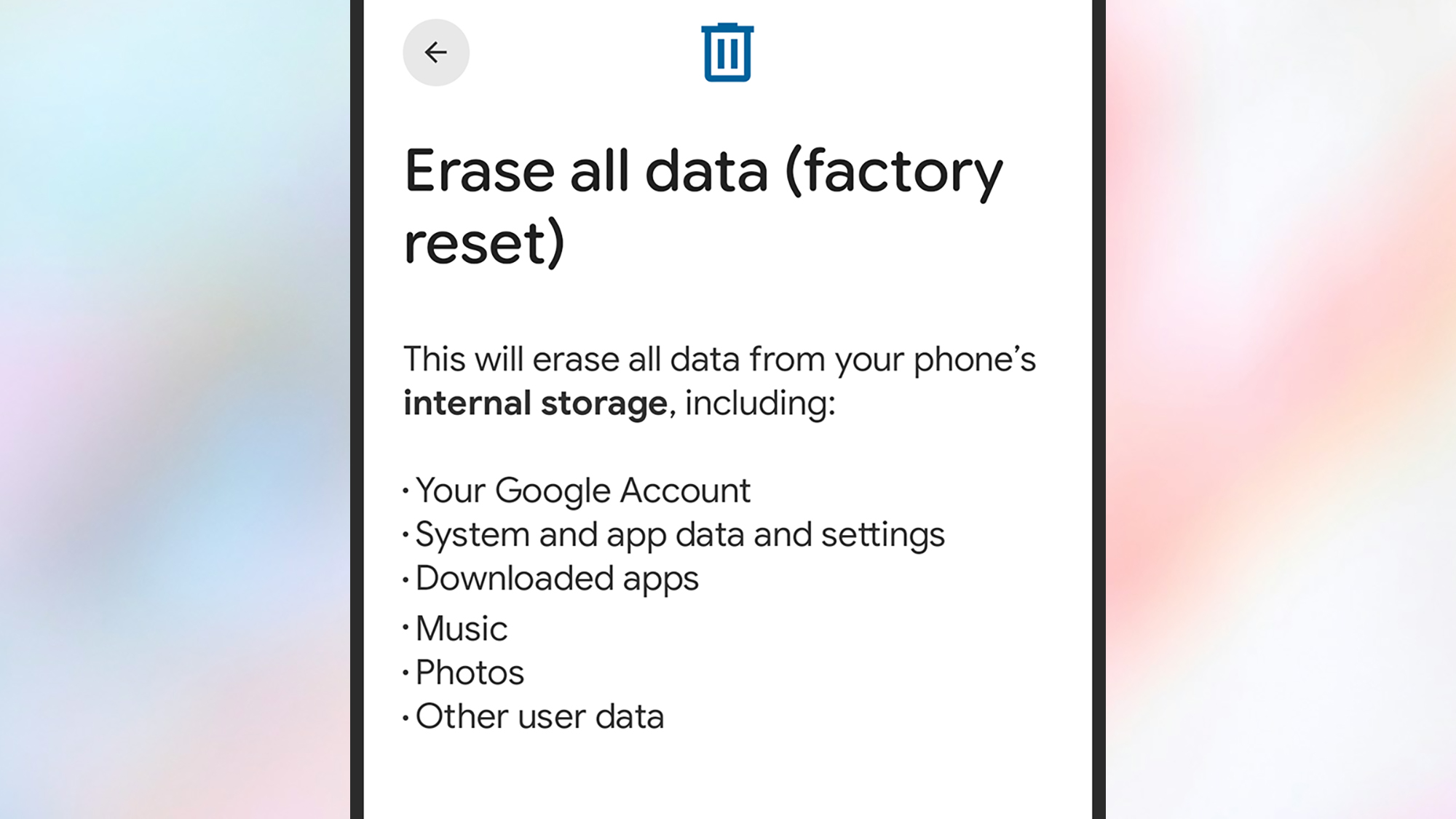
The exact steps for initiating a factory reset vary slightly between Android and iOS:
- Android: Navigate to "Settings," then "System," followed by "Reset options." Select "Erase all data (factory reset)," and then confirm by tapping "Erase all data."
- iOS: Within "Settings," go to "Transfer or Reset iPhone," and then choose "Erase All Content and Settings." Follow the on-screen prompts to continue the process.
The implications of a factory reset are significant. It not only resolves performance issues but also enhances security by removing any potential malware or rogue applications that may have infiltrated the system. The device will then boot up as if it were brand new, requiring users to set it up again and reinstall their preferred applications. This thorough cleansing often results in a dramatic improvement in speed and responsiveness, making the device feel like new again.
Broader Implications and Future Considerations
The ability to extend the life of a smartphone through these maintenance strategies has far-reaching implications. From an economic standpoint, it allows consumers to defer the significant expenditure associated with purchasing new devices, which can range from several hundred to over a thousand dollars. This financial relief is particularly impactful in times of economic uncertainty or for individuals on tighter budgets.
Furthermore, extending the functional lifespan of smartphones contributes to a reduction in electronic waste, a growing environmental concern. The manufacturing of electronic devices is resource-intensive, and their premature disposal adds to landfill burdens and the leaching of hazardous materials. By keeping devices operational for longer, users participate in a more sustainable consumption model.
The trend towards more robust software support from manufacturers also plays a role. While security updates eventually cease, many devices remain functional for several years, making software-based rejuvenation techniques highly relevant. As technology continues to advance, the emphasis on user-maintainable performance optimization will likely grow, empowering consumers to take greater control of their digital devices and their associated costs. Ultimately, these strategies transform a potentially frustrating technological obsolescence into an opportunity for informed and cost-effective device management.

